ZoomEasy 4.0.1 Update - Toggle the Button From a Home Screen Widget
ZoomEasy 4.0.1 adds a home screen widget.
What’s new
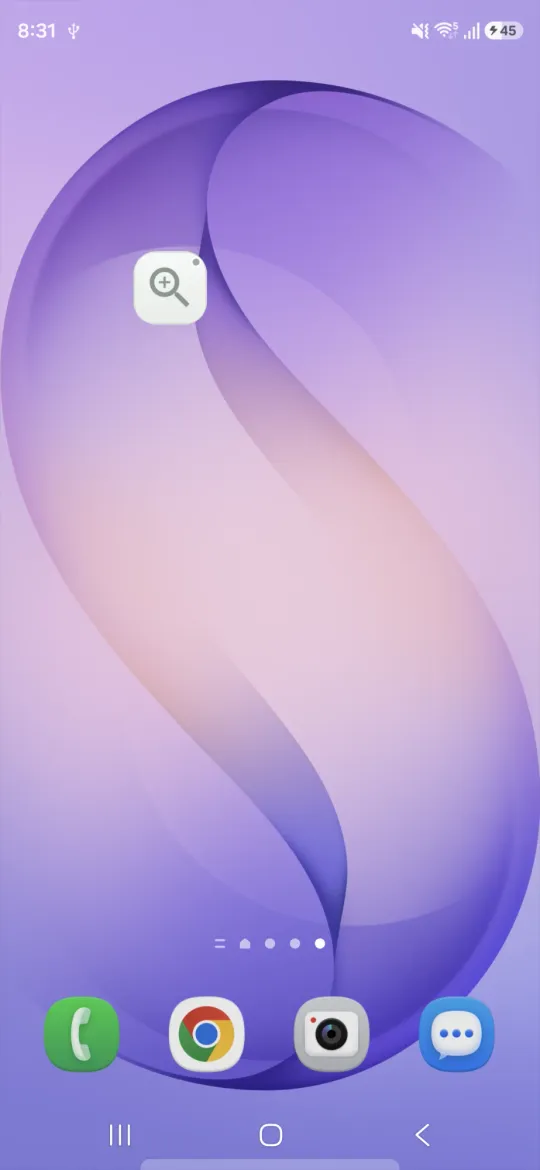
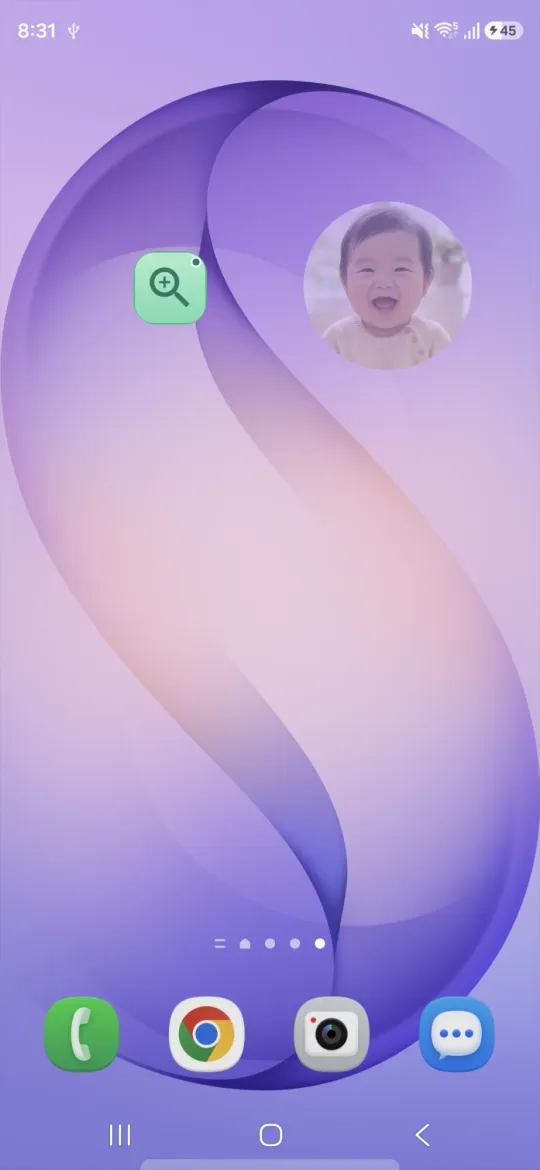
- Place a 1x1 widget, the same size as an app icon, on your home screen. Each tap turns the capture button on or off.
- The widget’s color shows the current state: gray means off, green means the capture button is on screen.
Why I added it
There was already a Quick Settings tile that does the same thing. But in daily use, swiping the shade down and back up turned out to be more hassle than I expected. So I made a widget you tap once from the home screen, just like an app icon. The Quick Settings tile still works as before.
Add the widget
- One tap from the app: On the Home tab in ZoomEasy, tap Home screen widget. When the Add to Home screen prompt appears, just tap Add.
- Manually: Touch and hold an empty spot on your home screen, open Widgets, pick ZoomEasy, and drop it where you like.
Adding from the app works only if your home screen app (launcher) supports it. If no prompt appears, add the widget manually.
For everything else ZoomEasy can do, see How to use ZoomEasy.
Comments